Bring your references, sprite sheets, and scene ideas together. Select the pixels that matter. Refine, animate, and combine them without losing the originals.
01Import or generate
02Select and refine
03Fuse and export
Editing stays on your device. No sign-in to try it.
Environments, encounters, UI, effects and storyboard plans. Each template has its own editable assets and layout.
INSIDE THE STUDIO
The canvas is the workspace.
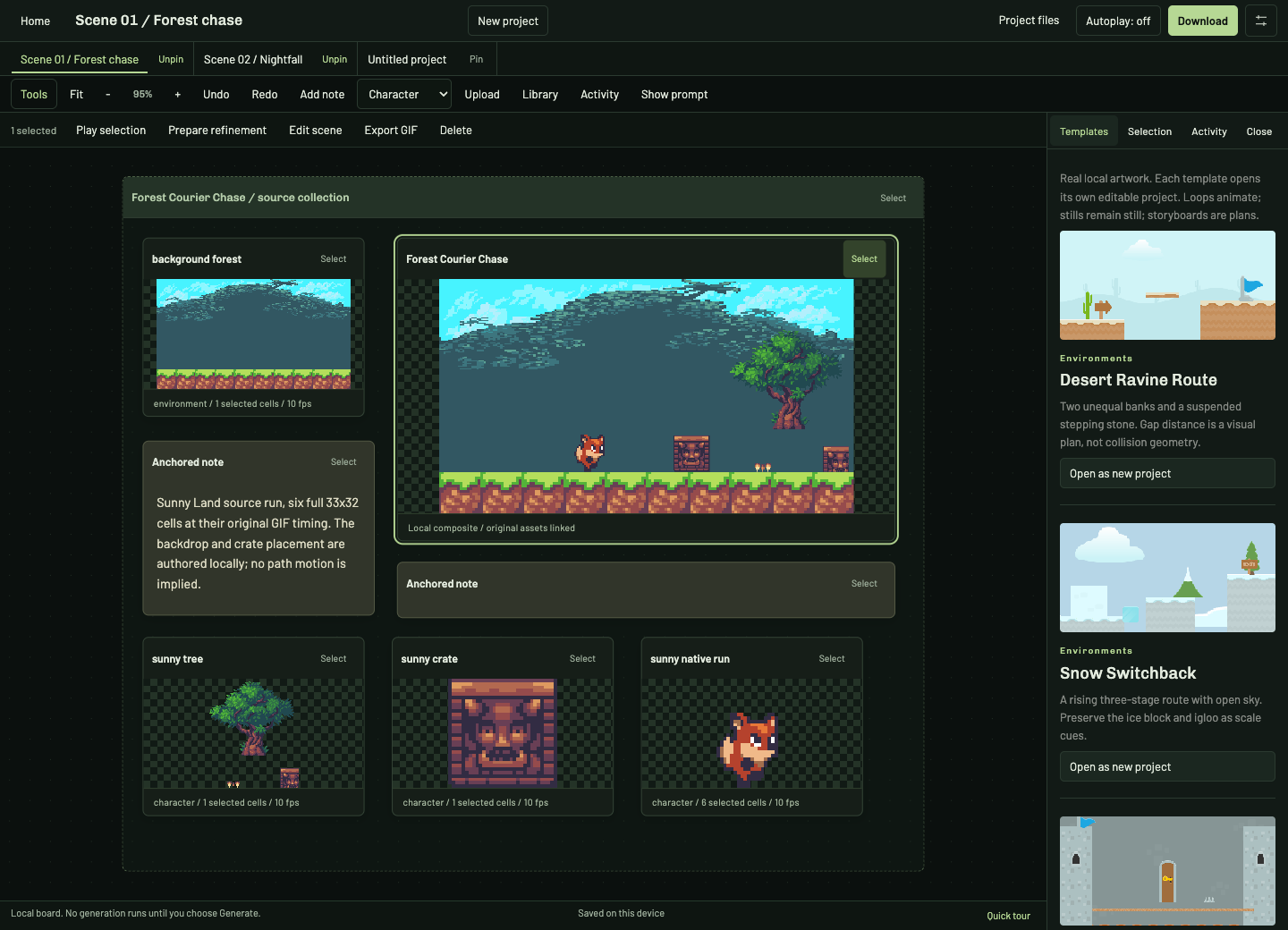
Pin projects, keep notes beside your references, and hide the composer when you just want to work with the pixels.
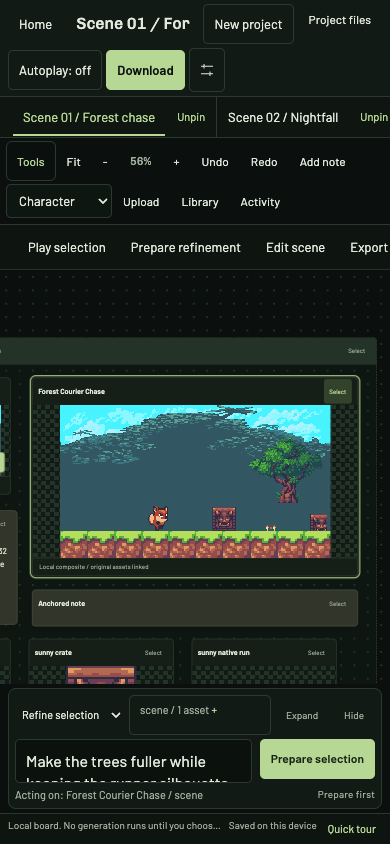
Desktop / grouped studies on one shared boardPhone / the same projects, explicit touch actions
01
Context stays with the pixels.
Group backgrounds, character studies and notes. Select exact rows, columns or cells instead of sending an entire sheet blindly.
02
Experiments keep their originals.
Refinements become new assets. Background jobs stay with the project that started them, even while you work on another.
03
Take the work with you.
Export frames, GIFs, boards and shot lists. Use the local Codex tools to annotate portable projects and plan filmmaking sequences.
SPRITEOPS DIRECTOR / LOCAL PLUGIN
Bring your boards into Codex.
Export a board, use approval-gated MCP tools to add notes, select cells, and draft a shot list, then import it back. Local file handoff, not hidden browser synchronization.
SourceNo sourceFramesNeed 2 framesExportAnimateFit160px full
Build frames into a GIF, then download or send pieces to Animate for a custom sequence.
Generate•••
Generation settingsKeep the prompt simple. Tune only the output, look, motion, and next handoff.
Output
Count
LookMotion
After generate
Type a simple idea. SpriteOps adds sheet, transparency, grid, and export details behind the scenes.
Prompt plan
Animation lab
Convert focused sprites into a clean animated GIF.
1 Source2 Preview3 Refine4 Export
Batch mode
Create six GIF options. Pick a favorite. Branch six more.
Start from one source, compare six loops, then branch six more from your favorite.
SourceCurrent frames
Optional tuning: balanced arcade, readable crop
Optional: run one loop preset
Templates
Starter library
Pick a row, column, or cells. Animate uses that exact focus.
Selection previewClick cells to focus them, then send, build a GIF, or download PNG.
Open the original multi-asset assembly board
Animation board
Animate
Stacking multiple assets? Combine them here.For slicing, animating, and engine-ready exports, use the Animator Studio above — this board is for merging assets into one output.
Run Check setup first. It will show whether billing needs more configuration.
For subscriptionsVerify each recurring Price ID.
Starter, Creator, and Pro should each map to one monthly billing layer before accepting live plan upgrades.
For asset packsUse dynamic Checkout for packs.
Keep sheet packs in SpriteOps, let users pick a pack or bundle, then create one Checkout Session with the selected name and amount.
Auth readinessVerify account storage before billing launch.
Saved projects, team plans, and Stripe customer IDs should attach to authenticated user records. Do not claim production billing readiness until that path is verified.
Countries and taxConfirm tax before launch.
Enable Stripe Tax, collect billing addresses and tax IDs, and confirm the route check reports the expected mode before taking live payments.